Product update from Alunta
Follow your customers’ progress over time
You can now add three new dashboard widgets: Usage trends, Customers with and without payments, and New paying customers. They show monthly trends, helping you follow both your customers’ use of your product and the arrival of new paying customers.
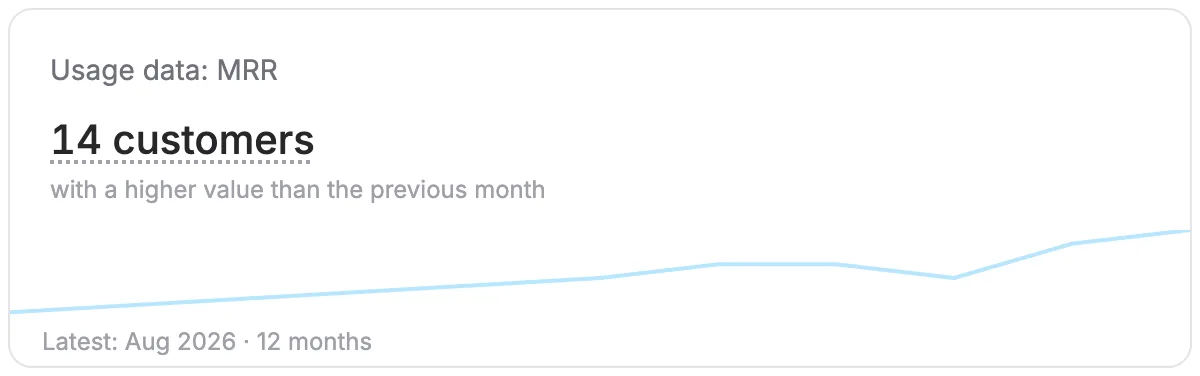
You can now add three new dashboard widgets: Usage trends, Customers with and without payments, and New paying customers. They show monthly trends, helping you follow both your customers’ use of your product and the arrival of new paying customers.
The screenshots use fictitious data. Click an image to view it at full size.
See whether more customers are growing
Total usage can rise sharply even when only one large customer is growing. The usage widget also lets you track how many of your customers have a higher value than in the previous month. Each customer counts once, regardless of the size of the change.
Choose one of your usage parameters and select what the widget should show:
- Customers with higher values: The number of customers whose value is higher than in the previous month. Useful if you report customer counts, MRR or resident counts for each of your customers, for example.
- Customers with usage: The number of customers with a positive value. For example, this can show how many customers have used SMS messages or digital signatures.
- Total value: The combined value across customers, such as the number of SMS messages or storage used.
You can add the same parameter in several different views. This lets you track the total level alongside whether growth is spread across more customers. If you select MRR as a usage parameter, the chart uses the MRR values you report for your customers.
Track customers with and without payments
Customers with and without payments shows the number of customers created by the end of each month, excluding customers who had been deleted by that point. Click the figure to see two lines: customers with at least one positive payment recorded in the month, and customers without such a payment. Multiple payments from one customer still count as one paying customer.
A customer without a payment in a particular month is not necessarily on a free plan or a lead. Customers who pay annually also have months without a payment.
See new paying customers
New paying customers counts customers in the month of their first positive payment recorded in Alunta. A previously free customer therefore counts when they start paying, even if they signed up a long time ago. Later refunds do not change the historical count.
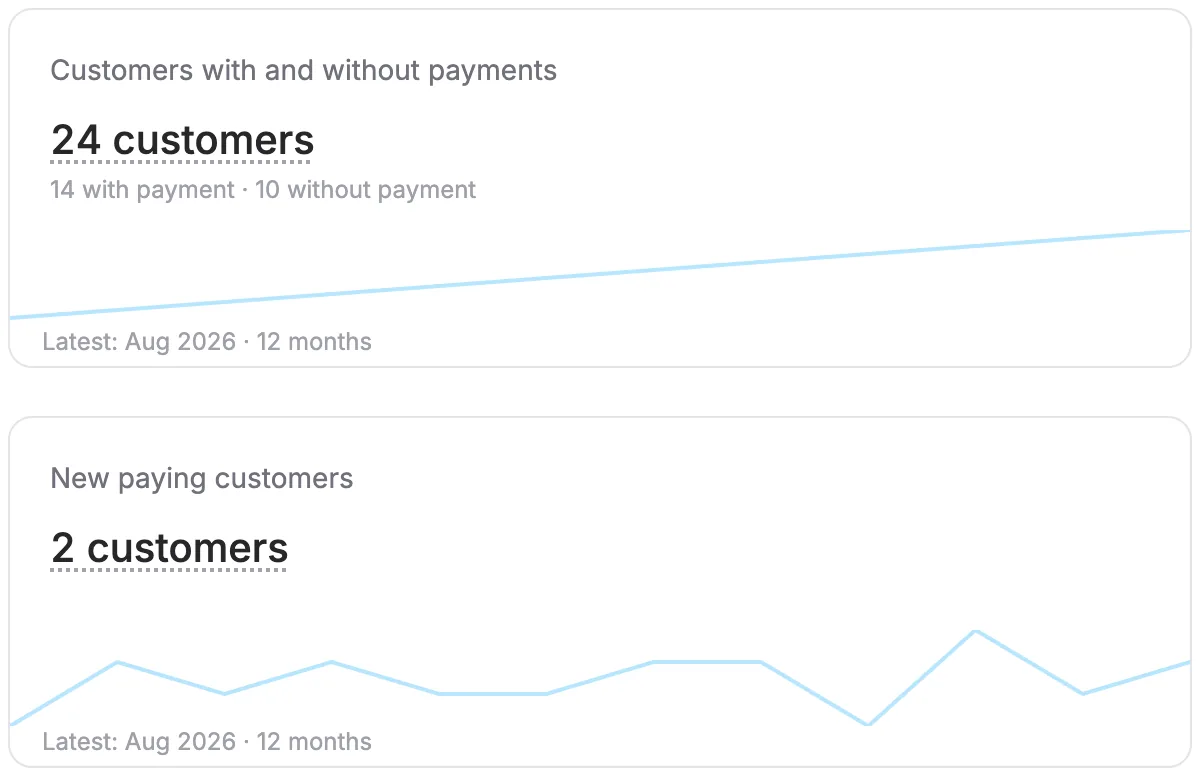
Choose a period and explore the details
Each card shows one main figure for the latest completed month and a simple chart. Click the figure to open the monthly data, read how it is calculated, and choose 6 or 12 completed months. The current month is excluded so that an incomplete month is not compared with full months.
For usage data, you can also see how many customers have higher, lower or unchanged values, and how many are reporting for the first time. Customers without a value to compare against are excluded from the comparison and percentage.
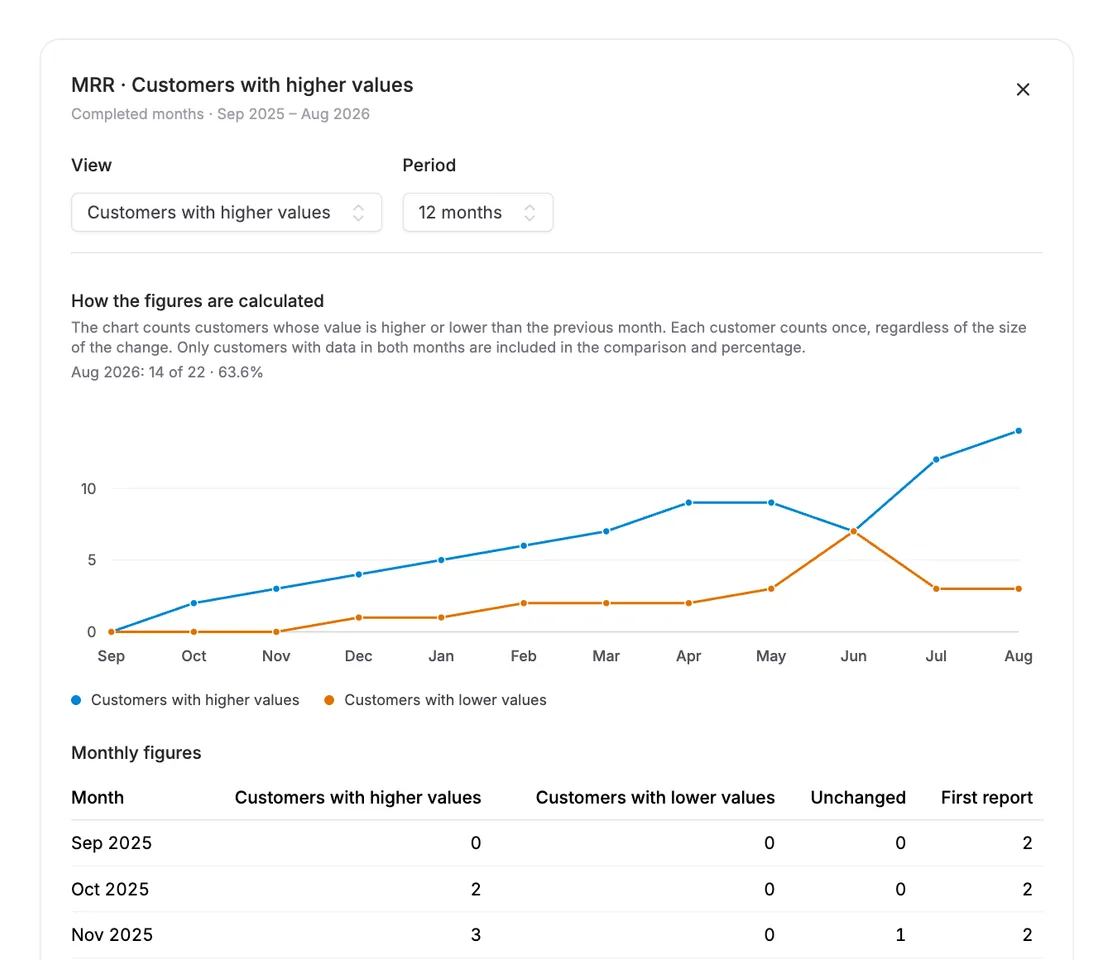
For parameters that measure a level, such as resident counts, the latest reported value at month end is used. It may have been carried forward from an earlier month and is therefore not evidence of new activity by itself. For parameters that measure ongoing consumption, the month’s records are added together. Missing usage history is shown as missing data, rather than zero; payments from before an import can only be counted if they are recorded in Alunta.
Add widgets to your dashboard
Choose Edit layout on the dashboard and add the widgets you want. For Usage trends, also choose a parameter and a view. The usage widget is available when you have a usage parameter that has not been archived. You can move, resize and remove these widgets just like the other dashboard widgets.


The people and AI helpers behind the updates
Bo Møller and Emil Højbjerg are the primary developers behind Alunta. They spend most of their time coding, so they have delegated the wording of these explanations to our AI helpers.
The AI helpers write from the updates we have deployed to the product. Bo and Emil are behind the changes and remain responsible for ensuring the information reflects what was actually released.
