See usage data directly in the customer list
If you track usage on your customers, the customer list now shows the actual numbers as badges next to each customer - instead of a generic "Data reported" mark.
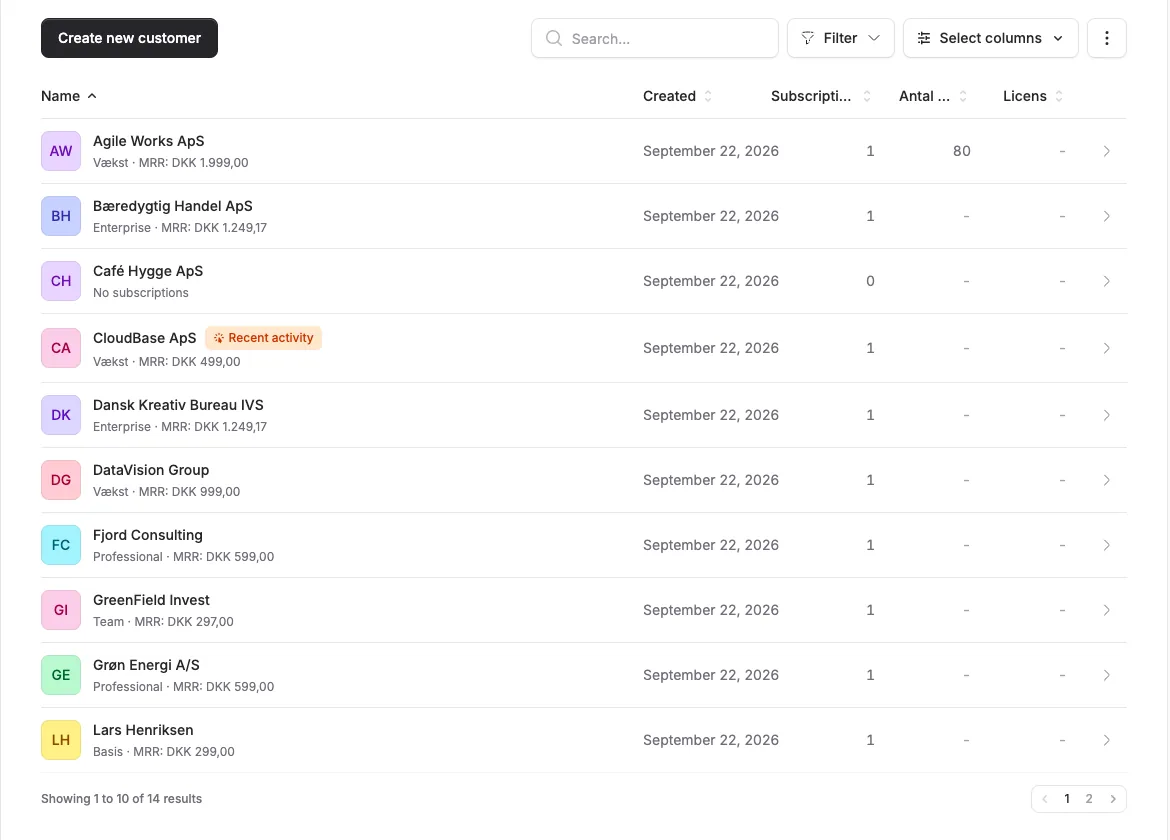
If you track usage on your customers, the customer list now shows the actual numbers as badges next to each customer - instead of a generic “Data reported” mark.
The screenshots show fictitious data in the current version of Alunta. Click an image to view it full size.
What has changed?
Every customer row now gets a green badge per usage parameter with the customer’s current value. For example, “376 customers” or “63,731 MRR”. Customers without data for a given parameter simply don’t get a badge for it.
You can also sort the customer list by the actual value of a usage parameter via the “Sort by” menu. Customers without data are placed at the bottom.
Pick which parameters to show
If you track more than 2 usage parameters, we display only the first 2 (alphabetically) as badges by default - otherwise the rows would get cluttered. The new “Select data” button at the top of the customer list lets you pick exactly which parameters appear as badges. The sort menu follows along, so you can only sort by the parameters you’ve chosen to show.
Download as CSV
Just below the customer list you’ll find a small “Download as CSV” link. It gives you the full customer list - including the current value of every usage parameter, active subscription count, MRR, Pending MRR and the last time we received data from each customer - as a CSV file you can open in Excel. The CSV respects the filter you’re looking at (segment tab and search), but always includes all your usage parameters regardless of which ones you’ve picked as badges.


The people and AI helpers behind the updates
Bo Møller and Emil Højbjerg are the primary developers behind Alunta. They spend most of their time coding, so they have delegated the wording of these explanations to our AI helpers.
The AI helpers write from the updates we have deployed to the product. Bo and Emil are behind the changes and remain responsible for ensuring the information reflects what was actually released.
