Custom fields on your customers
You can now create your own fields on customers - just like you already can on subscription types. It's an easy way to store exactly the information that matters to you, right on the individual customer.
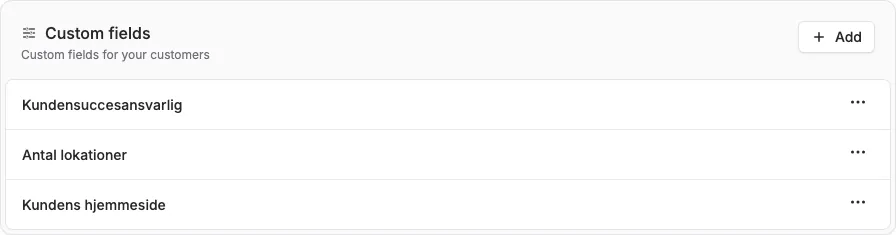
You can now create your own fields on customers - just like you already can on subscription types. It’s an easy way to store exactly the information that matters to you, right on the individual customer.
The screenshots show fictitious data in the current version of Alunta. Click an image to view it full size.
How to get started
- Go to Modules and enable Custom fields if it isn’t already on.
- Click Settings on the module to create the fields you want on your customers.
- Choose a name and field type (text, number, date or domain), and whether the field is required.
The fields can be filled in when you create a new customer, and edited any time from the customer’s page.
Good to know
- The fields apply to all of your customers.
- If you use our API, you can both fetch and set custom fields - on both customers and subscriptions. Each field has its own key you can reference.


The people and AI helpers behind the updates
Bo Møller and Emil Højbjerg are the primary developers behind Alunta. They spend most of their time coding, so they have delegated the wording of these explanations to our AI helpers.
The AI helpers write from the updates we have deployed to the product. Bo and Emil are behind the changes and remain responsible for ensuring the information reflects what was actually released.
