See how your dashboard's MRR numbers are calculated
You can now click the numbers in MRR movements and Pending MRR on the dashboard to see which subscriptions, customers, dates, and amounts are included in the calculation.
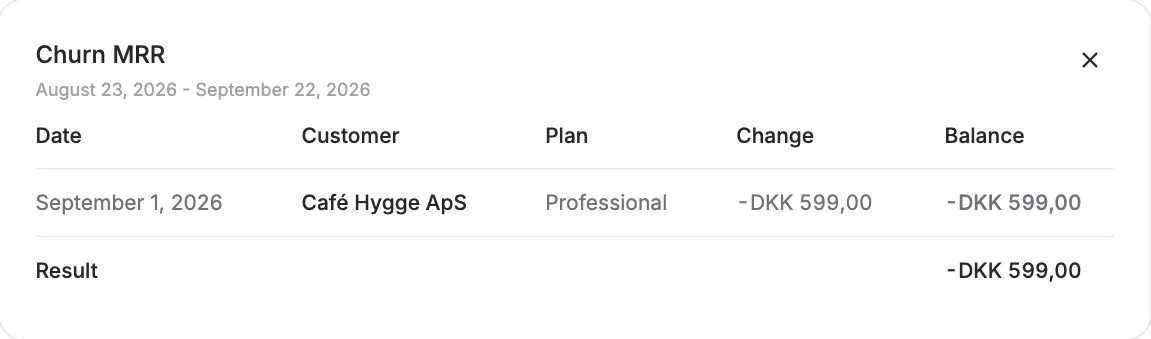
You can now click the numbers in MRR movements and Pending MRR on the dashboard to see which subscriptions, customers, dates, and amounts are included in the calculation.
The screenshots show fictitious data in the current version of Alunta. Click an image to view it full size.
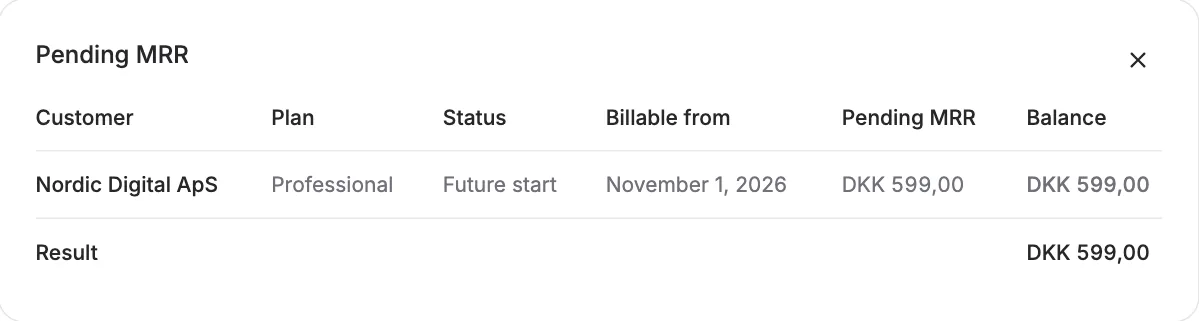
This makes it easier to understand why a number changed and to verify what is behind new MRR, churn MRR, and pending MRR.
Use the breakdown to explain a number in the selected period. It is not an invoice list and does not change subscriptions or payments. When comparing accounts or currencies, use the same period and definition.


The people and AI helpers behind the updates
Bo Møller and Emil Højbjerg are the primary developers behind Alunta. They spend most of their time coding, so they have delegated the wording of these explanations to our AI helpers.
The AI helpers write from the updates we have deployed to the product. Bo and Emil are behind the changes and remain responsible for ensuring the information reflects what was actually released.
