See expected invoicing on your dashboard
The Invoicing widget shows this month, next month and last month side by side. The months follow the calendar automatically. Last month shows invoiced amounts, while this and next month also include expected automatic invoicing.

The Invoicing widget shows this month, next month and last month side by side. The months follow the calendar automatically. Last month shows invoiced amounts, while this and next month also include expected automatic invoicing.
The screenshots show fictitious data in the current version of Alunta. Click an image to view it full size.
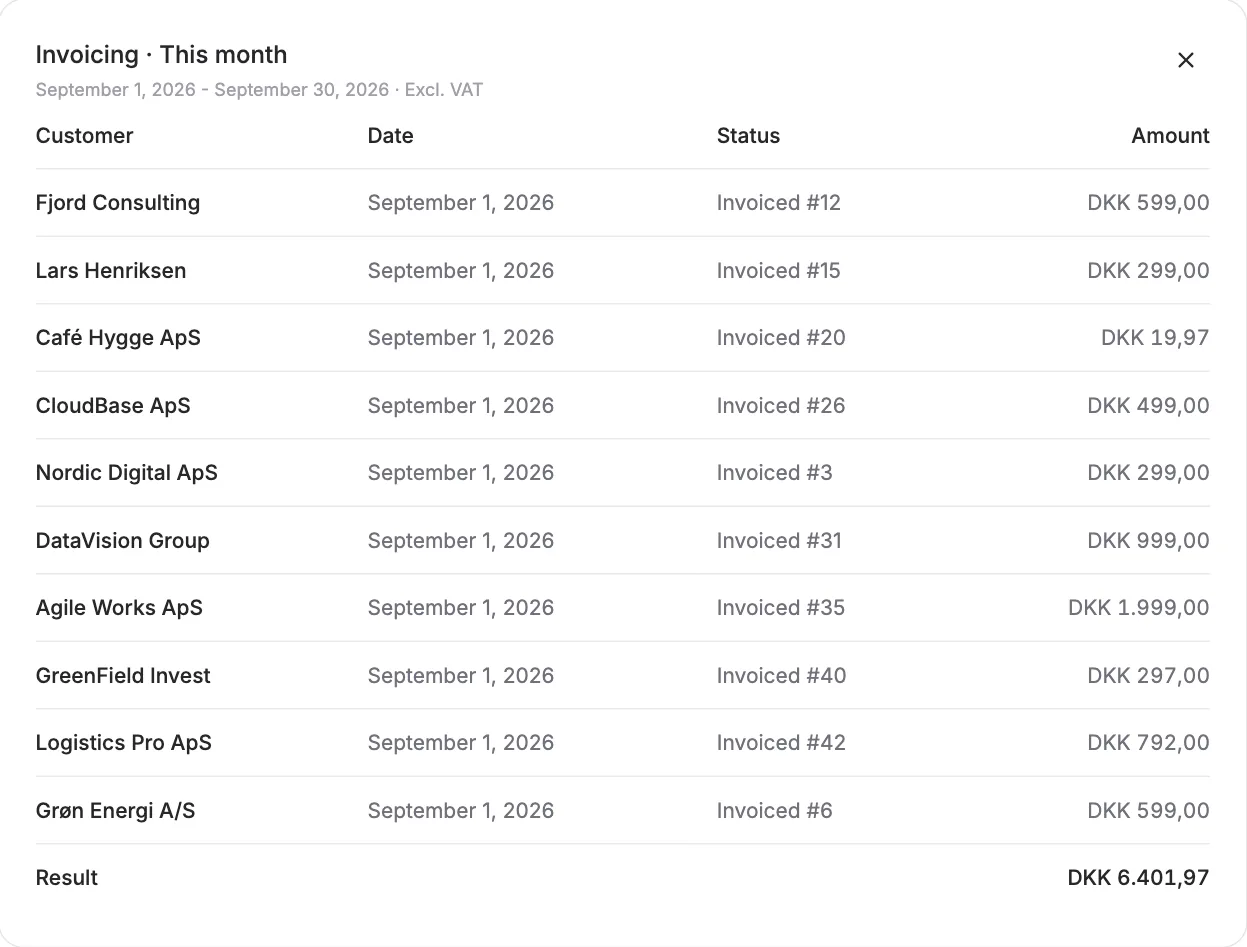
Amounts are shown after discounts and excluding VAT as one total in your primary currency. Other currencies use today’s available exchange rate, with an information icon explaining the conversion. Click an amount to see the invoices and planned charges included in the total, including original and converted amounts when conversion applies. If some amounts are not yet known, the information icon beside the figure explains what is included. Manual charges, drafts and uninvoiced earlier periods are not included.
Add the widget through Edit layout on your dashboard. The forecast uses known subscriptions and charges and shows expected invoicing, not when payments will arrive.


The people and AI helpers behind the updates
Bo Møller and Emil Højbjerg are the primary developers behind Alunta. They spend most of their time coding, so they have delegated the wording of these explanations to our AI helpers.
The AI helpers write from the updates we have deployed to the product. Bo and Emil are behind the changes and remain responsible for ensuring the information reflects what was actually released.
