Test webhooks without creating real data
With the API app enabled, you can now send test messages to your configured webhook URLs. Choose an event, preview the sample data before sending, then check the HTTP status and your receiver's response. You can also send test messages through the API.
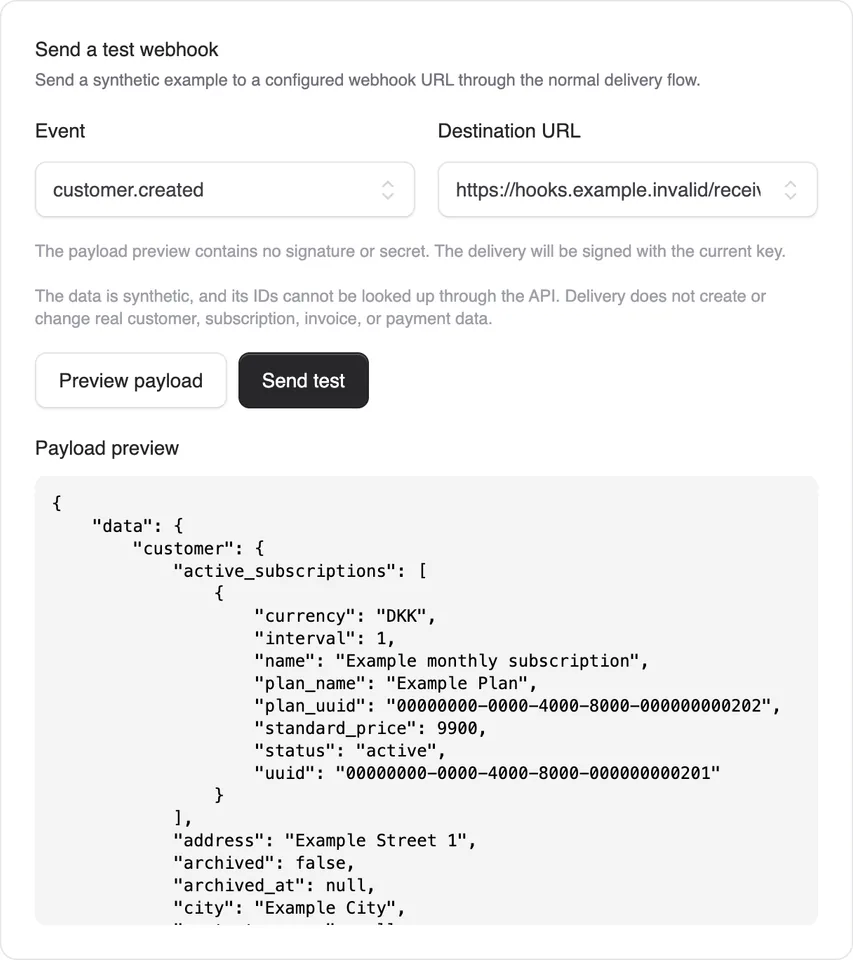
With the API app enabled, you can now send test messages to your configured webhook URLs. Choose an event, preview the sample data before sending, then check the HTTP status and your receiver’s response. You can also send test messages through the API.
The samples use fictional data and are clearly marked as tests. Alunta creates no real customers, subscriptions or invoices and triggers no card charges, accounting entries or customer emails. Your receiver can still process the test message.
The test delivery appears in the webhook log. Replay it with the same ID and body to check duplicate handling. It follows your signing settings and is excluded from delivery statistics and failure alerts.
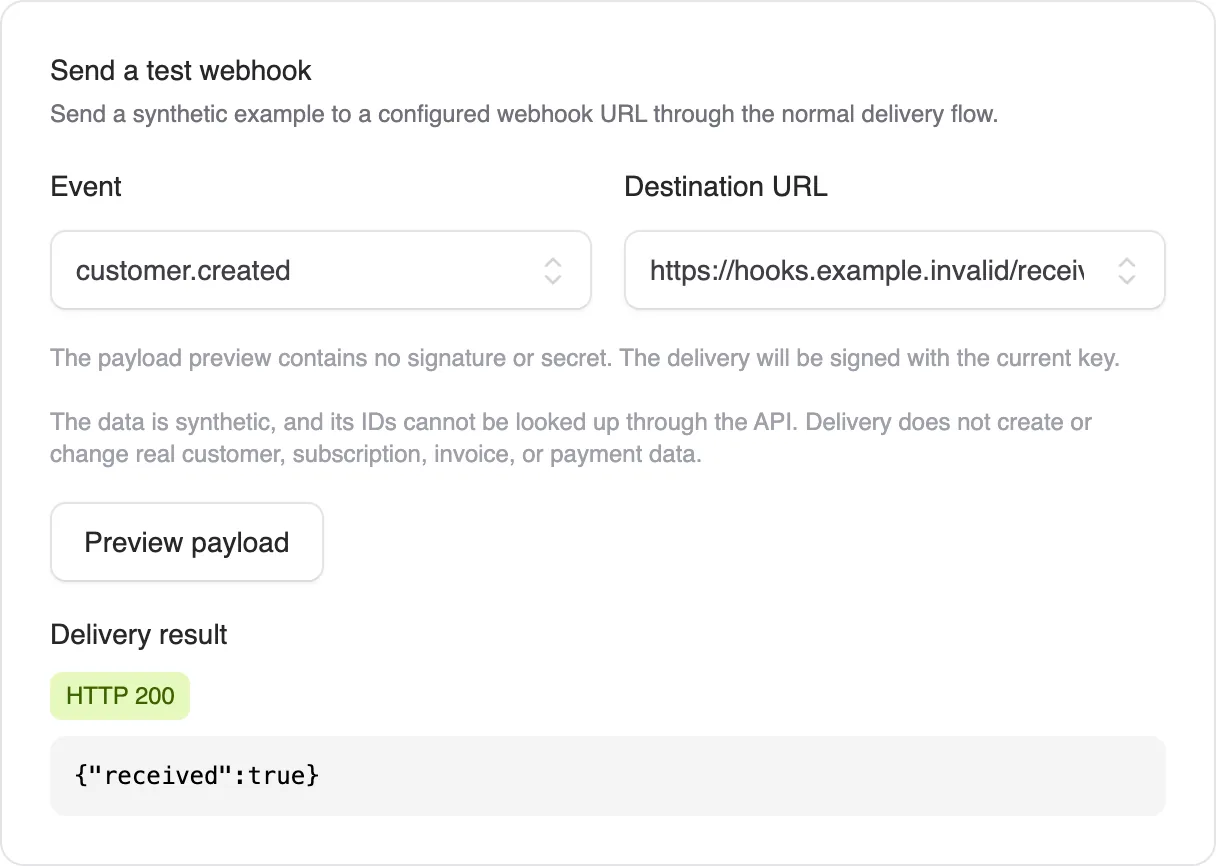
Tests in installed integrations and the partner portal also show a preview and delivery result. The connection test remains the default, and you can choose a sample for one of the integration’s events.


The people and AI helpers behind the updates
Bo Møller and Emil Højbjerg are the primary developers behind Alunta. They spend most of their time coding, so they have delegated the wording of these explanations to our AI helpers.
The AI helpers write from the updates we have deployed to the product. Bo and Emil are behind the changes and remain responsible for ensuring the information reflects what was actually released.