A king-sized product update in Alunta 🧩 More control over subscriptions
In Alunta’s latest product update, we go through how you can easily pause subscriptions, change prices temporarily or permanently, combine several subscriptions into one charge and handle credit notes without hassle. It is all built around a clear timeline, so you can always see what is happening, and why.

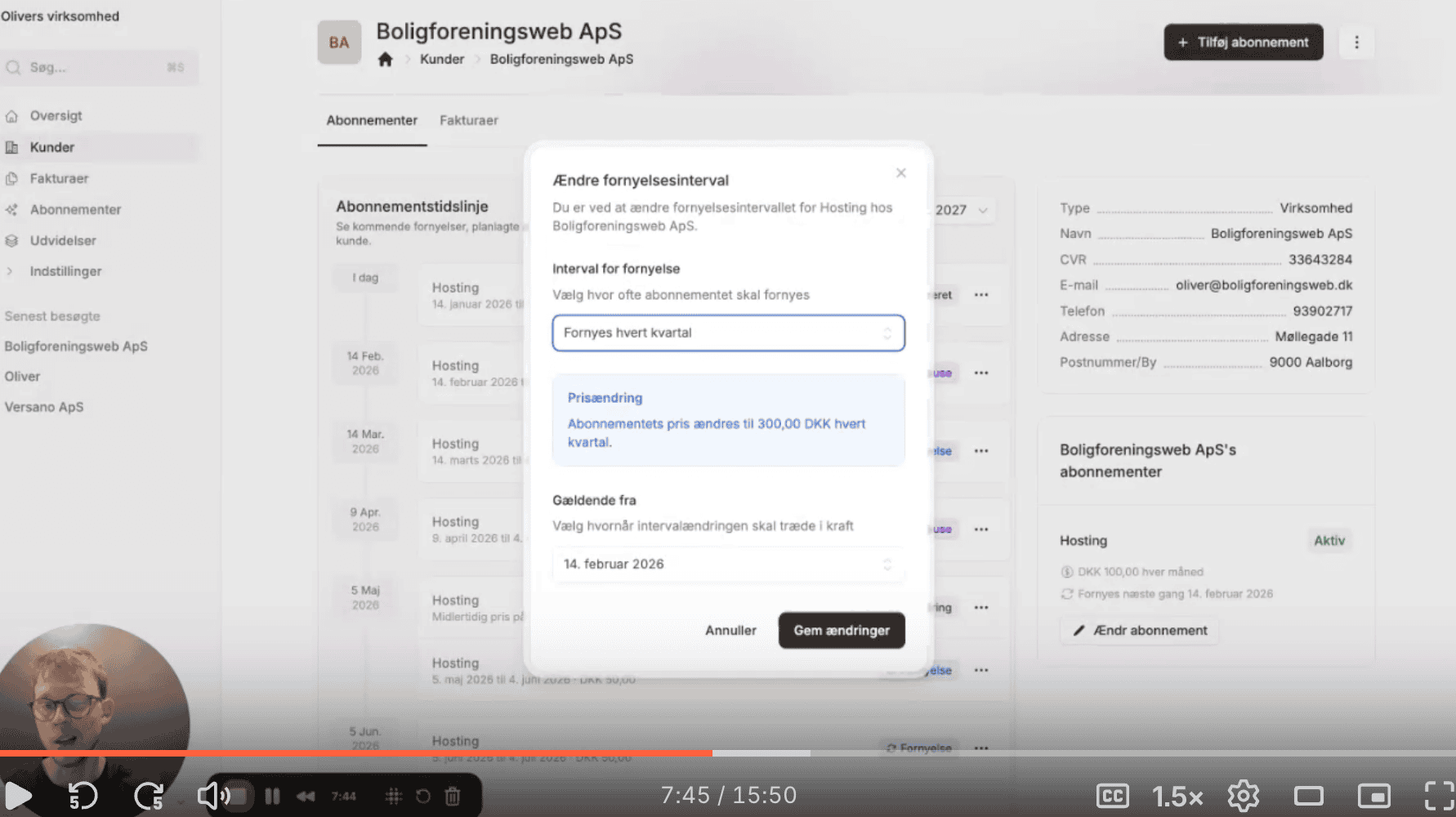
I sat down in front of the camera to make a product update. It ended up being a bit longer than expected. That is what happens when a lot has changed in a short time. This update brings together a range of new options in Alunta, all with one thing in common: more flexibility in the day-to-day management of subscriptions.
Watch the product update here!
In the video, I go through everything in one take. Not because it has to be perfect, but because that is how Alunta is used in real life.
Subscriptions you can adjust along the way
As always, it starts with the customer. Once a customer has been created, you can create subscriptions, either manually or through self-service, the API or checkout flows.
What is new is what you can do after a subscription has started.
You can now pause subscriptions, either from the next period or for a specific date range. Alunta calculates the difference automatically if the pause falls in the middle of a period. The customer only pays for the days they actually use the product, and the subscription resumes automatically afterwards.
The same goes for price changes. You can make temporary price changes, for example if a customer gets a discount for a period. The system schedules everything in advance, and you can always see when the price changes and when it goes back again. Permanent price changes work the same way, just without an end date.
The timeline as a backbone
Everything in Alunta revolves around the timeline. Every pause, price change, renewal and cancellation is shown there. You can always see what will be invoiced, for which period and why.
That also applies to cancellations. You can cancel at the end of a period or on a specific date in the middle of one. If you choose the latter, Alunta calculates what needs to be credited or charged. It works the same way whether the customer pays by invoice or card.
Grouping and renewals
If a customer has several subscriptions, you can combine them into one shared renewal. Alunta finds the cut-off date and calculates the differences, so the customer gets one consolidated charge going forward. This often gives both you and the customer a clearer overview.
You can also choose between flexible and fixed renewals. Flexible means a subscription renews based on its start date. Fixed means all subscriptions renew on a set date, such as the first of the month. This can make bookkeeping and period allocation easier to follow, especially if you work closely with e-conomic or Dinero.
Credit notes and refunds
Finally, I show how to credit a period easily. If an invoice was sent incorrectly or a payment should have been free, you can create a credit note in a few clicks. If the customer paid by card, the money can also be refunded automatically through the payment gateway.
What is next?
A lot has been added to Alunta in a short time. The next steps include percentage discounts and looking at Leverandørservice. If you want to see everything in more detail, there are short videos for each feature on the website.
And yes, you really can set it all up yourself. That is rather the point.